Paint.NET Review: Free Lightweight Photo Editor for Windows in 2026
Paint.NET is the kind of software that doesn’t try to impress you with a giant feature list.
It just opens fast and gets the job done.
For a lot of Windows users, that’s exactly the appeal. Not everyone wants Photoshop. Not everyone wants GIMP either. Sometimes you just need to crop an image, resize it, add text, blur something, clean up a screenshot, or make a simple graphic before sending it to someone.
Paint.NET sits in that comfortable middle space. It’s much more useful than basic Microsoft Paint, but it’s not trying to become a full professional design suite.
Imagine someone running a small online shop. They need to resize product photos, add a little text, maybe fix brightness, and save everything quickly. They don’t need masks, advanced RAW editing, or a complicated workspace. They just need a simple Windows editor that doesn’t feel like homework.
That’s Paint.NET.
- What Paint.NET is best for
- Why Windows users still like it
- Where it beats heavier editors
- Where GIMP, Photopea, or Pixlr may be better
- Whether Paint.NET is enough for your editing needs
Quick Verdict: Should You Use Paint.NET?
Use Paint.NET if you want a lightweight, beginner-friendly Windows photo editor for quick edits, screenshots, simple layers, and everyday image work. Skip it if you need professional Photoshop workflows, Mac support, or browser-based editing.
Best for
- Windows users who want simple photo editing
- Screenshot editing
- Quick resizing and cropping
- Basic layers and effects
- Users who find GIMP too complex
Not ideal for
- Mac and Linux users
- Advanced professional design work
- Browser-based editing
- Digital painting workflows
- Heavy PSD compatibility needs
Paint.NET Snapshot
| Software | Paint.NET |
|---|---|
| Category | Windows photo editor / image editor |
| Platforms | Windows |
| Price | Free official download; paid Microsoft Store option may be available |
| Best for | Quick Windows photo editing, screenshots, resizing, basic layers |
| Best alternatives | GIMP, Photopea, Pixlr, Krita, IrfanView |
What Is Paint.NET?
Paint.NET is image and photo editing software for Windows PCs. It’s designed to be easier than professional editors while still offering useful tools like layers, effects, unlimited undo, and a clean editing workspace.
The official Paint.NET site describes it as image and photo editing software for computers that run Windows, with an intuitive interface, layers, unlimited undo, special effects, and useful editing tools.
That tells you exactly where it fits.
It’s not a Photoshop clone. It’s not an online editor. It’s not a digital painting studio. It’s a practical Windows image editor for people who want more than Microsoft Paint but less complexity than GIMP.
Why People Use Paint.NET Instead of Photoshop
Photoshop is powerful, but it’s overkill for many everyday users.
A blogger editing screenshots, a student creating a simple poster, a support person marking up an image, or a small business owner resizing product photos probably doesn’t need a professional Adobe subscription.
Paint.NET works because it keeps the learning curve low.
You can open it, understand the basics quickly, and finish a simple edit without feeling like you need a tutorial series first.
Key Paint.NET Features
- Simple Windows photo editing interface
- Layer support
- Unlimited undo
- Image effects and adjustments
- Drawing and selection tools
- Plugin support
- Fast performance for everyday edits
- Good screenshot editing workflow
- Free official download option
What Paint.NET Does Well
Paint.NET is best when you need to edit quickly. It starts fast, feels familiar, and gives you enough tools for common image jobs without making every task feel serious.
That simplicity is the point. It’s for the person who says, “I just need to fix this image,” not the person building a 200-layer design project.
✓ Pros
- Easy to learn
- Lightweight compared with bigger editors
- Good for quick Windows edits
- Supports layers
- Useful effects and plugins
- Great for screenshots and resizing
- Free official download option
✗ Cons
- Windows-only
- Not a full Photoshop replacement
- Not browser-based
- Limited for professional workflows
- Not ideal for digital painting
- PSD support may require plugins or workarounds
Where Paint.NET Falls Short
Look, Paint.NET is easy to like, but it has limits.
If you need advanced retouching, GIMP gives you more depth. If you need PSD editing in a browser, Photopea is better. If you’re drawing or painting, Krita makes more sense. And if you’re doing professional Adobe work, Photoshop is still in a different category.
Paint.NET is excellent at being simple. It’s less excellent when you expect it to behave like a full design studio.
Best Free Paint.NET Alternatives
Paint.NET is useful, but these alternatives may fit better depending on the job.
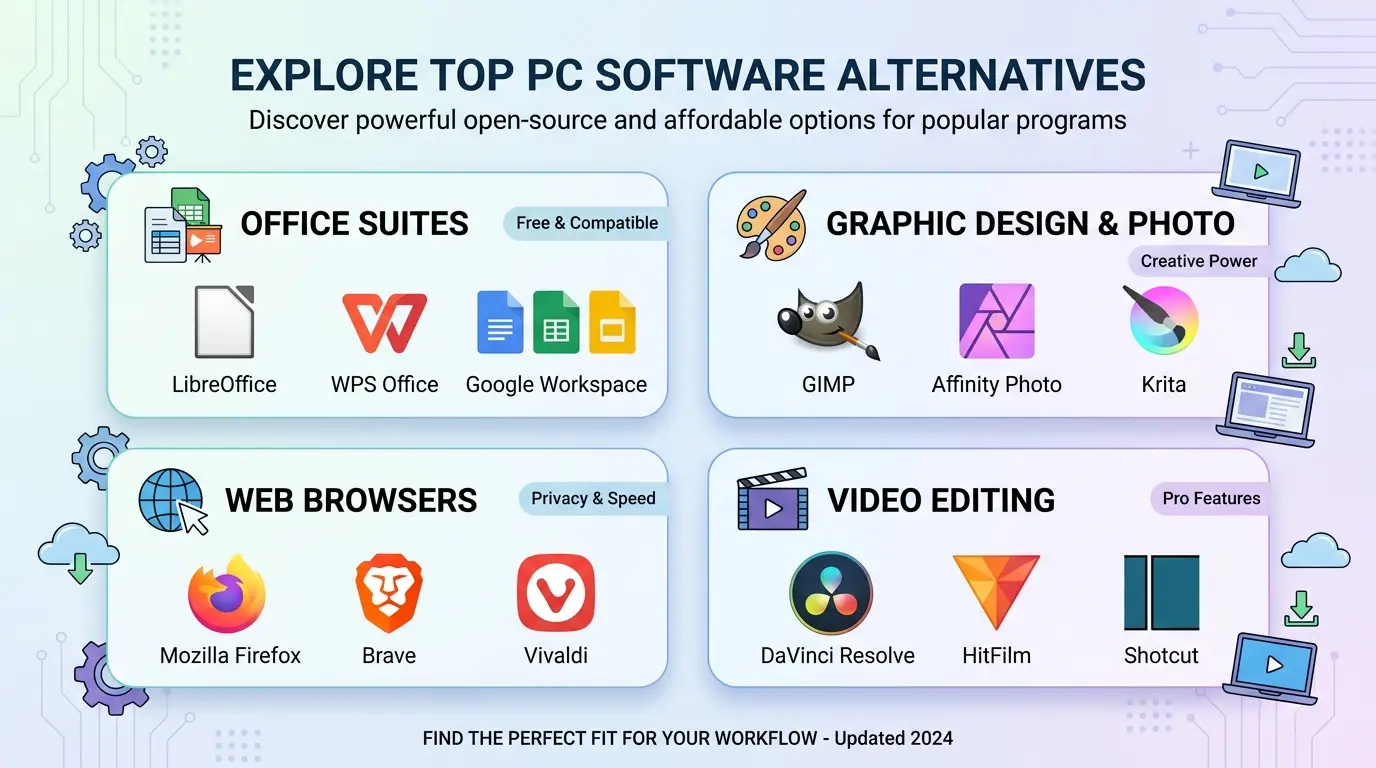
1. GIMP — Best for Advanced Free Photo Editing
GIMP is more powerful than Paint.NET, especially for serious retouching, masks, and advanced layer work.
2. Photopea — Best Online Photoshop-Style Editor
Photopea runs in the browser and is better for opening PSD files without installing software.
3. Pixlr — Best Browser-Based Quick Editor
Pixlr is easier if you want quick edits online instead of installing a Windows app.
4. Krita — Best for Drawing and Painting
Krita is better for artists who need brushes, tablets, comics, or digital painting tools.
5. IrfanView — Best for Viewing and Batch Tasks
IrfanView is a good lightweight companion if you mostly need image viewing, conversion, and simple batch workflows.
Best Online Alternatives to Paint.NET
If you don’t want to install anything, compare Paint.NET with these:
- Photopea — best for PSD and layered browser editing
- Pixlr — best for fast online photo edits
- Canva — best for templates and social posts
- Fotor — beginner-friendly photo effects and adjustments
For Windows users who like desktop apps, though, Paint.NET still feels faster and less distracting.
Paint.NET vs GIMP vs Photopea vs Pixlr
| Tool | Free? | Online? | Best For | Beginner Friendly? |
|---|---|---|---|---|
| Paint.NET | Free official download / paid Store option | No | Simple Windows editing | Easy |
| GIMP | Yes | No | Advanced free desktop editing | Medium to hard |
| Photopea | Free access available | Yes | PSD editing in browser | Medium |
| Pixlr | Free access available | Yes | Quick browser edits | Easy |
| Krita | Yes | No | Digital painting and illustration | Medium |
When You Should Use Paint.NET
Choose Paint.NET if you want a fast, simple Windows editor for everyday image tasks. It’s a good fit for:
- editing screenshots
- resizing product photos
- cropping images
- adding text to graphics
- making simple web images
- users who find GIMP too complicated
- Windows users who want something lightweight
When You Should Pick Something Else
Pick GIMP if you need more power. Pick Photopea if you want online PSD editing. Pick Pixlr if you only need a quick browser edit. Pick Krita if you’re drawing or painting.
Paint.NET wins when you want simple, local Windows editing without turning the task into a project.
Safe Download Notes
Download Paint.NET only from the official getpaint.net website, Microsoft Store, or a trusted software directory. Avoid fake download buttons, repacked installers, or old versions from unknown sites.
Editors: add Softlookup’s verified download link here if available.
Frequently Asked Questions
Is Paint.NET free?
Paint.NET is available as a free download from the official website. A paid Microsoft Store version may also be available to support development and simplify updates.
Is Paint.NET better than GIMP?
Paint.NET is easier for beginners. GIMP is more powerful for advanced editing.
Does Paint.NET work on Mac?
No, Paint.NET is mainly for Windows PCs. Mac users should compare GIMP, Photopea, Krita, or other Mac-friendly editors.
Can Paint.NET open Photoshop files?
Paint.NET does not focus on native PSD workflows. Users may need plugins or another tool like Photopea for PSD editing.
Is Paint.NET good for beginners?
Yes. Paint.NET is one of the easier free image editors for Windows users.
What is the best online alternative to Paint.NET?
Pixlr is easier for quick browser edits, while Photopea is better for layered PSD-style editing.